PAYF Settings
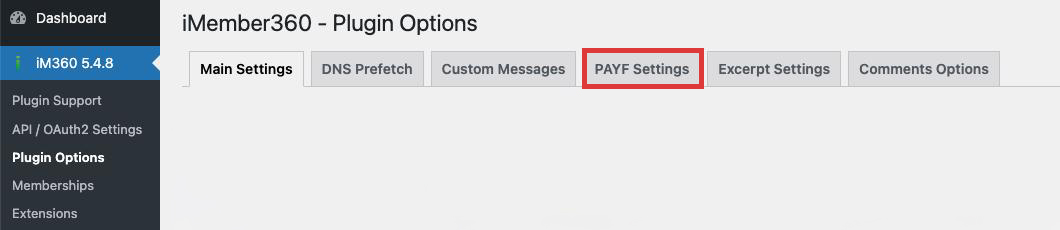
PAYF (Payment Failed) Settings allow you to configure the message displayed to users whose payment has failed or is pending.
Setting
PAYF Status Text
The message displayed to users who have a PAYF (Payment Failed) status in Keap.
| Values | HTML text |
| Default | None |
Purpose
When a member's payment fails or their subscription lapses, they may still be logged in but should not have access to premium content. The PAYF status text allows you to:
- Inform the user about their payment status
- Provide instructions for updating payment information
- Include links to payment update pages
- Display contact information for support
Example Content
HTML
<div class="payf-notice">
  <h3>Payment Required</h3>
  <p>Your payment could not be processed. Please update your payment information to continue accessing your membership content.</p>
  <p><a href="/update-payment">Update Payment Information</a></p>
  <p>If you need assistance, please <a href="/contact">contact support</a>.</p>
</div>
Best Practices
- Be clear but not alarming
- Provide a direct link to update payment
- Include support contact information
- Consider offering a grace period notification
- Test the message display on different pages