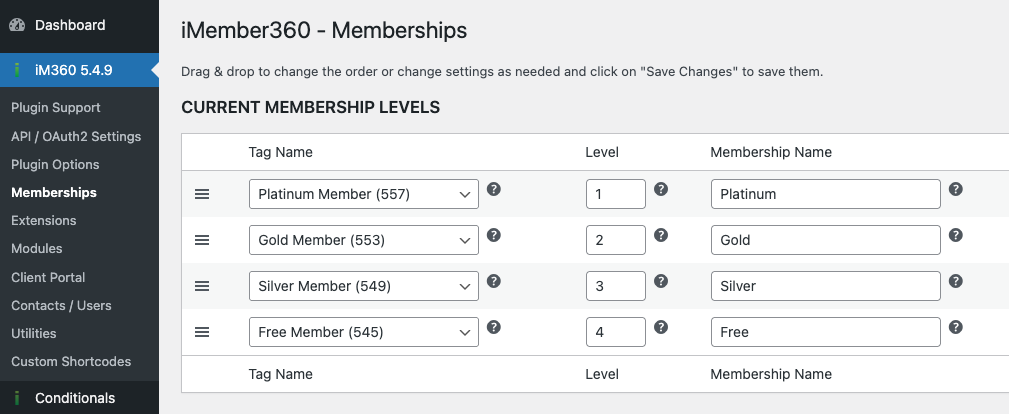
Basic Content Protection
iMember360 allows you to protect pages and posts based on membership levels. The protection settings are configured in the iMember360 Content Protection box when editing a page or post.
Create a New Page or open an existing one you want to protect
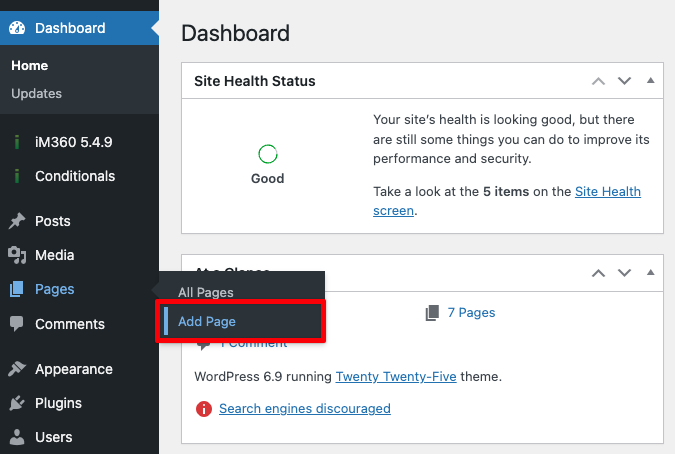
Go to WordPress Dashboard > Pages > Add New or select the one you want to edit.
Configure Content Protection
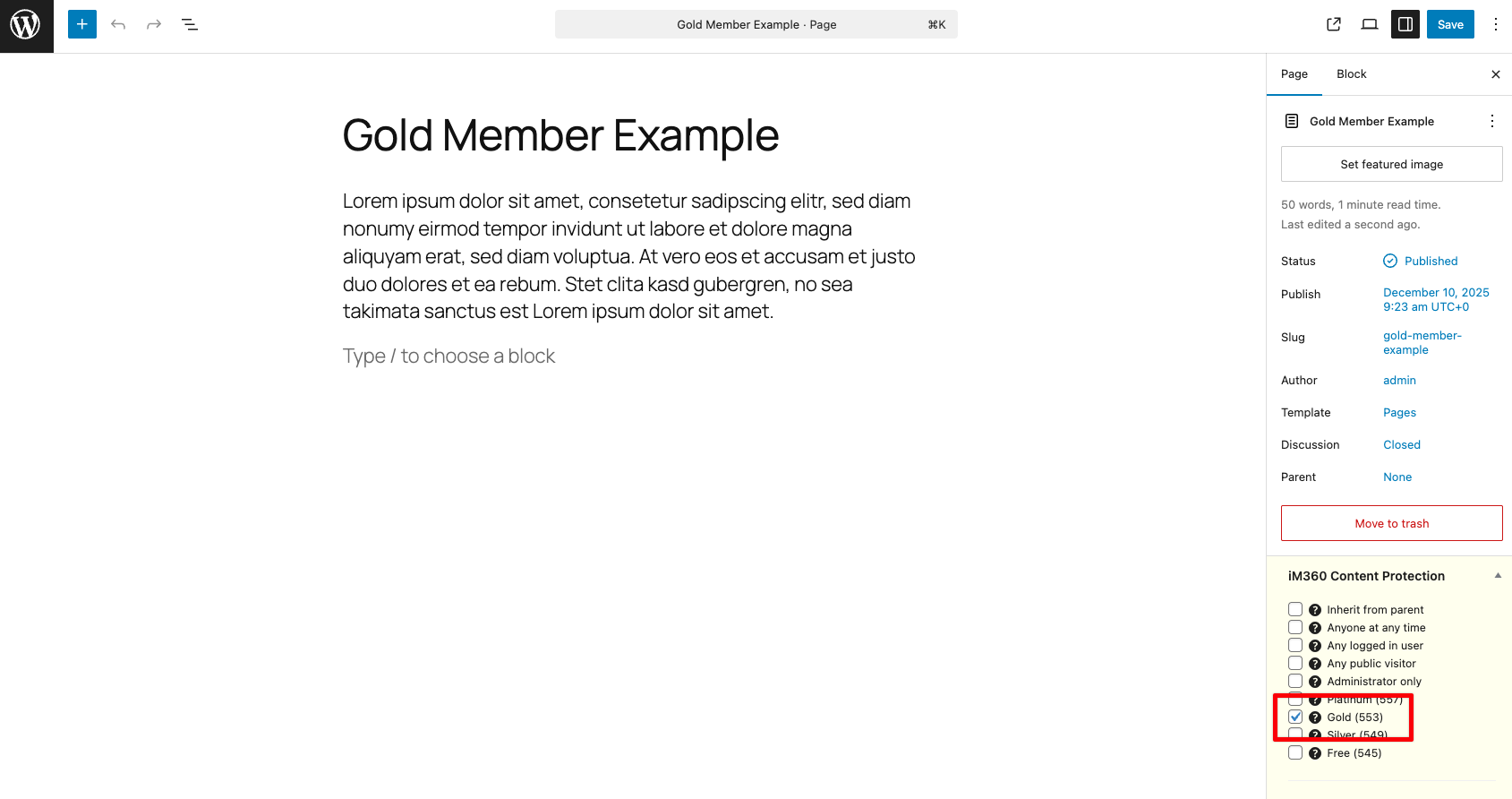
In the iMember360 Content Protection box, select which membership levels should have access to this content.
Protection Models
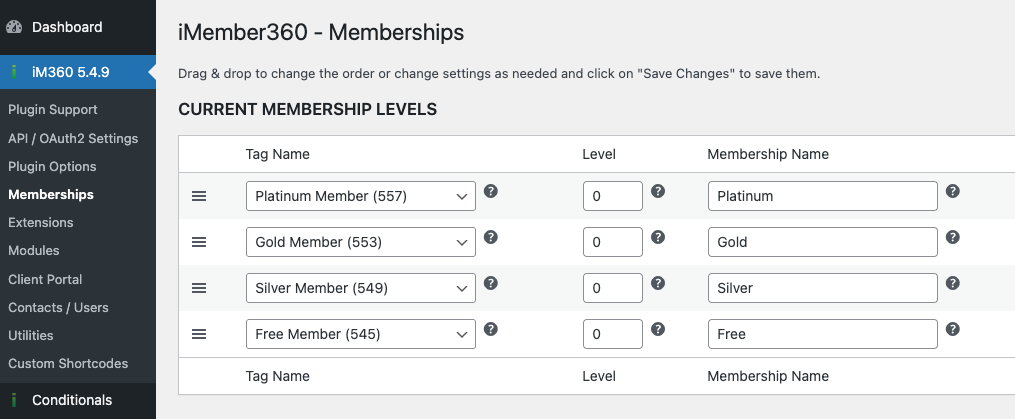
Standard (Separate Levels)
Each membership level is independent. A user must have the specific level to access the content.
Hierarchy
Higher levels include access to lower level content. For example:
- Platinum members can see Platinum, Gold, Silver, and Free content
- Gold members can see Gold, Silver, and Free content
- Silver members can see Silver and Free content
- Free members can only see Free content