Autologin
Overview
The Autologin module allows subscribers to be automatically logged in when visiting your site via a special URL. This is commonly used for "Thank You" pages after order completion.
For the webhook implementation details, see i4w_autologin.
Module Settings
Available since version 5.4.9
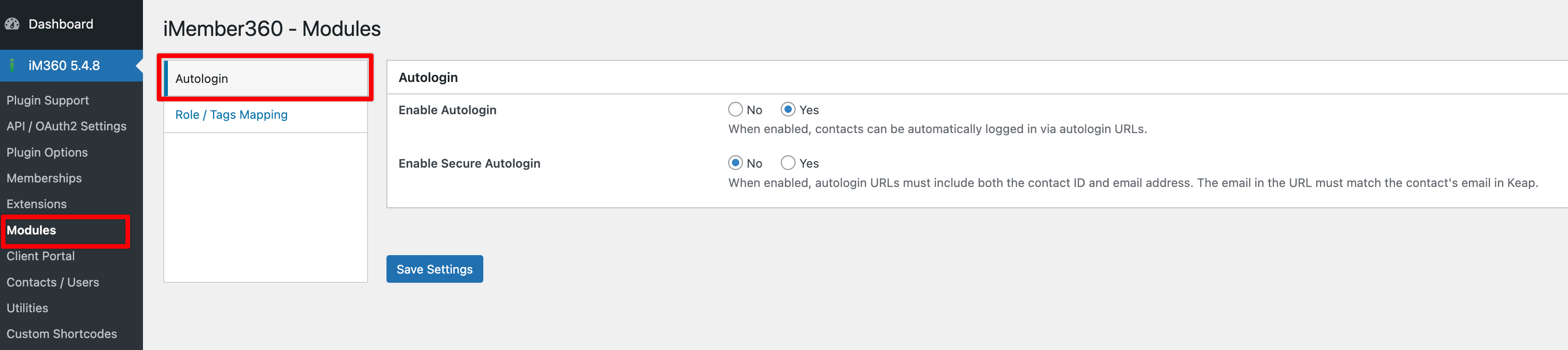
Enable Autologin
Controls whether the autologin functionality is active. Enabled by default.
Secure Mode
When enabled, Secure Mode requires both email and contact ID to be passed via the autologin URL. iMember360 performs a cross-check in Keap to verify that the email matches the corresponding contact ID.
Secure Mode is disabled by default for backwards compatibility.