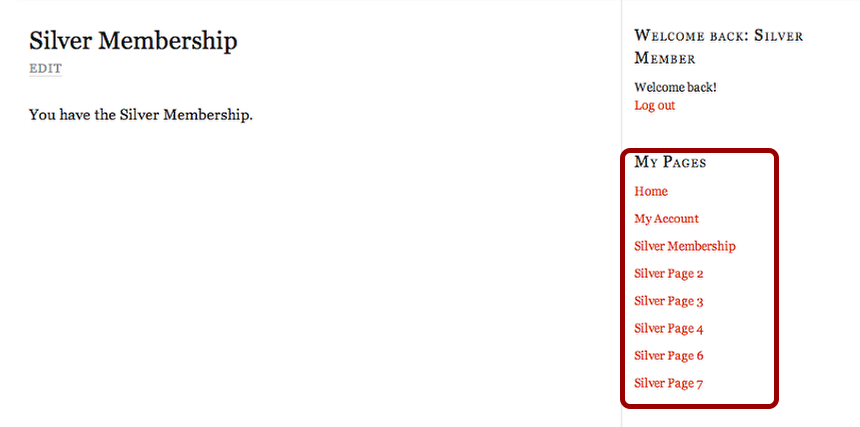
In this lesson we will create a menu specifically for membership levels.
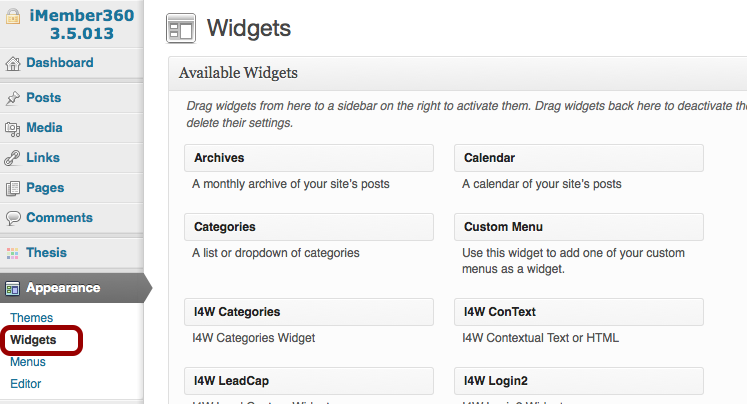
1. Open WordPress Dashboard > Appearance > Widgets
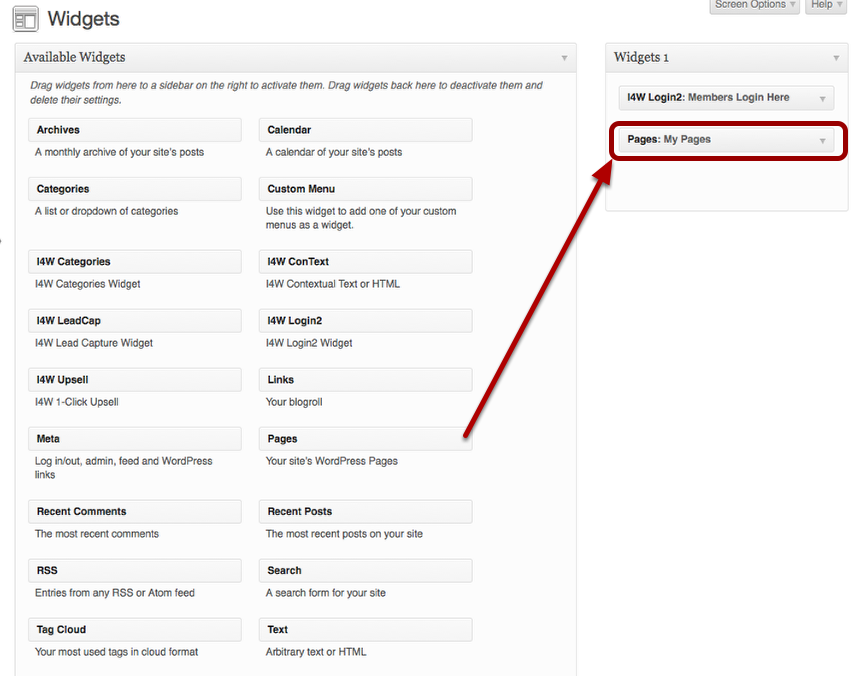
2. Drag a My Pages widget over to the sidebar.
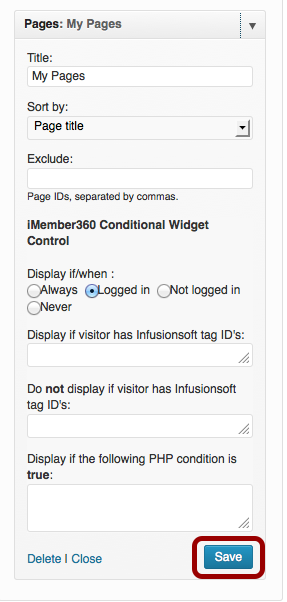
3. Click the drop down arrow to open the configuration box.
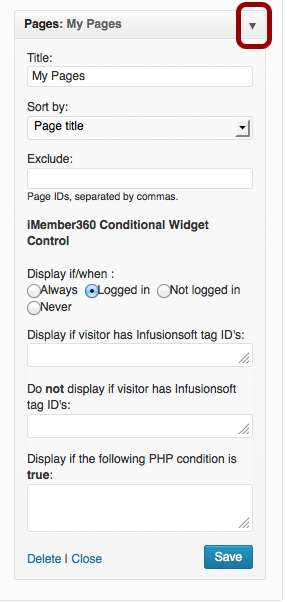
- Give it a name
- Choose sort order
- Choose display when
Click Save.
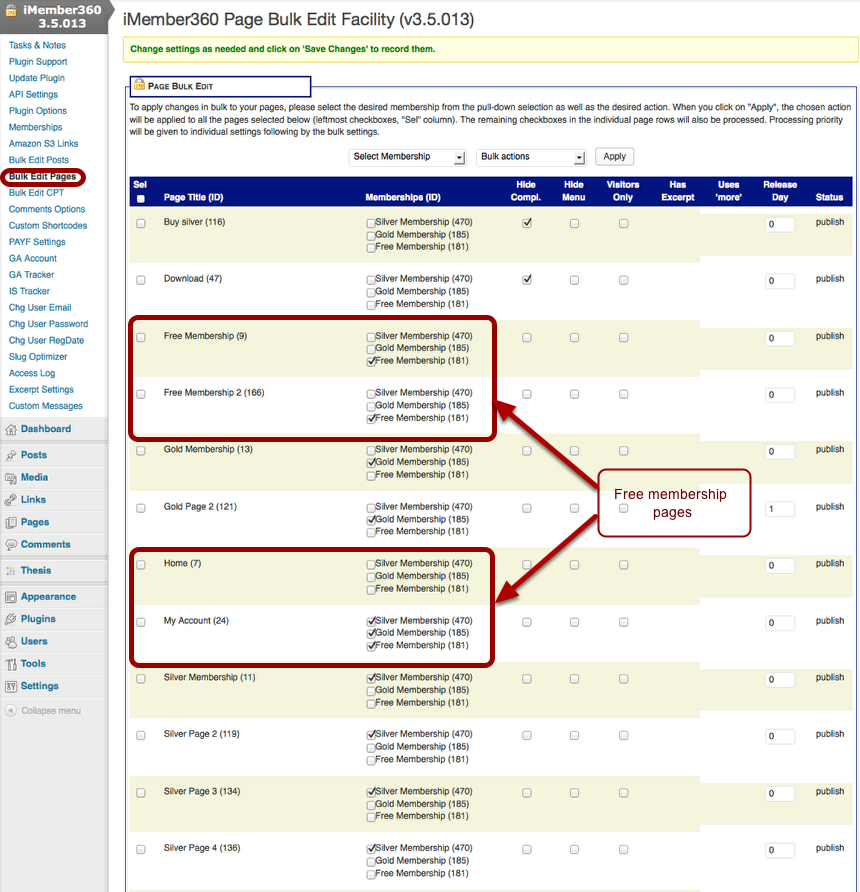
Example: This is a listing of demo pages.
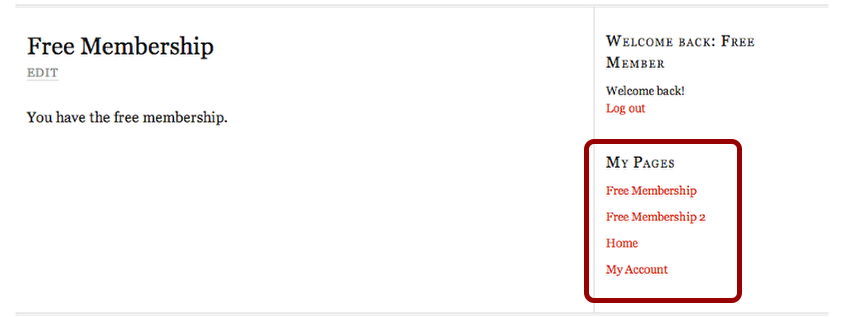
Example: This is what it looks like in the sidebar for Free members.
Example: This is what it looks like in the sidebar for Silver members.